



Virtual LaboratoryORS VR LabOngkharak School
Every Learning Experience Combined in VR

32109876543210987
Core Subject Groups1098765432109876598765432109876543+
Interactive Lab Lessons321098765432109876543210987654321009876543210987654°
3D Learning Experience43210987654321098.7654321098765432154321098765432109/54321098765432109.0987654321098765409876543210987654
Satisfaction ScoreScience Education InnovationVirtual Laboratory Ongkharak School
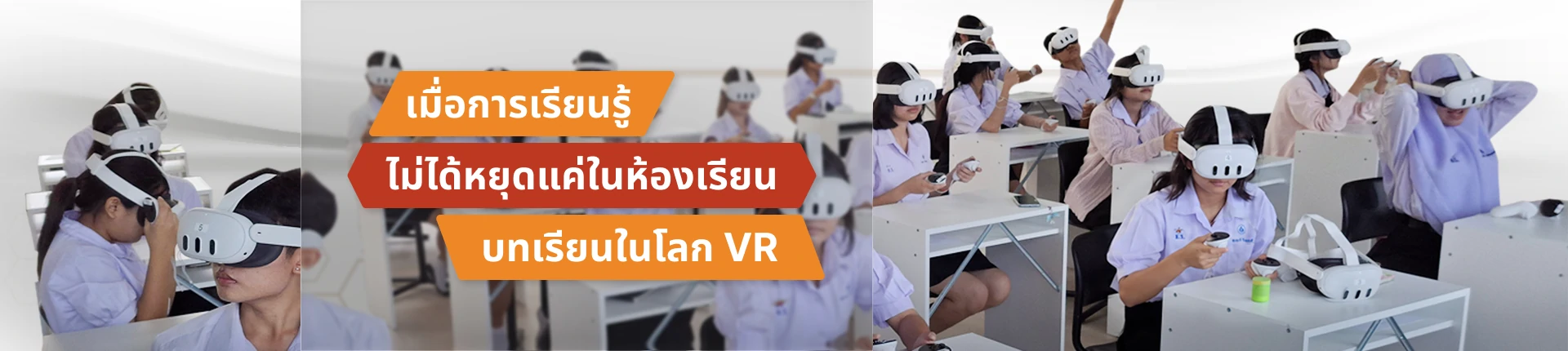
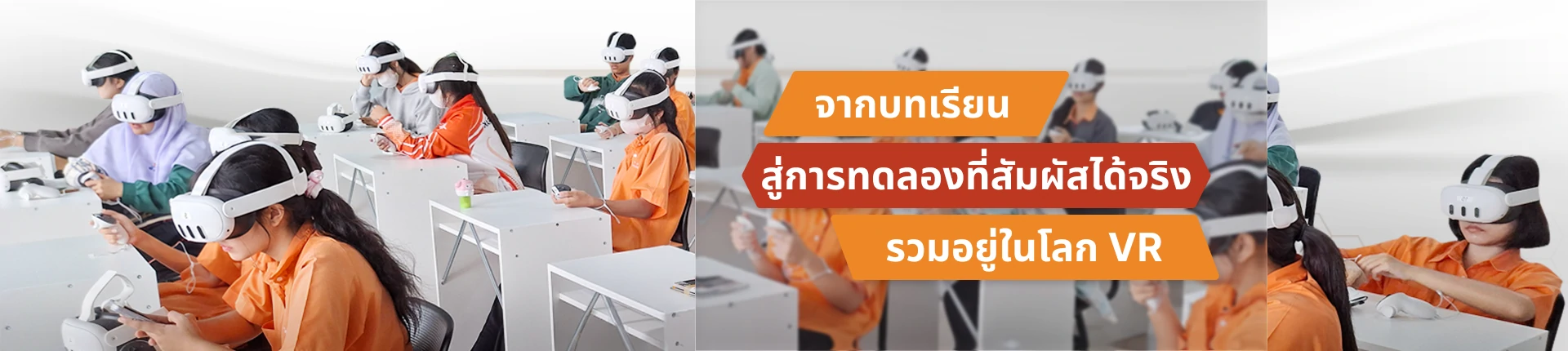
Experience Physics, Chemistry, and Biology experiments via the ORS VR Lab platform, combining Meta Quest 3 VR technology with Multiplayer, Voice Chat, and Interactive Whiteboard systems for fun, safe, and realistic learning.
Promote Deep Learning
Interact with 3D scientific models through a 360-degree perspective
Ensure Maximum Safety
Simulate chemical reactions and risky scenarios realistically without danger
Enhance Collaborative Learning
Support group learning via Multiplayer and Voice Chat
Data-Driven Insights
Assess via real-time Pre-test/Post-test system with Motion Sickness tracking

VIRTUAL LABS
Virtual Laboratory (Virtual Lab)3 Core Subject Groups
Combining 19+ Interactive 3D Virtual Experiments - Realistic, Safe, and Limitless
Physics Department
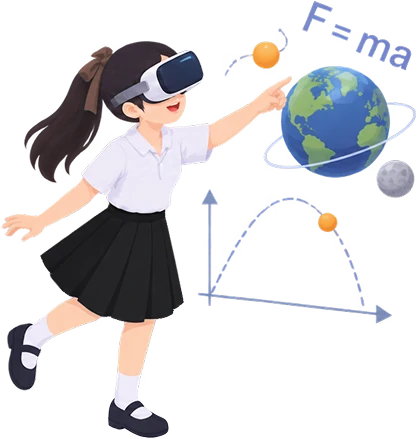
Projectile Motion, Gravity and Orbits, Forces and Motion, Bending Light, DC Motor & Faraday's Law, and more
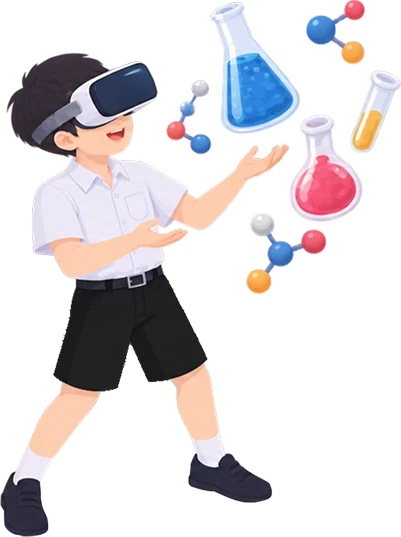
Chemistry Department
Chemical Reactions & Safety, 3D 360° Molecular Structures, Spdf Orbital
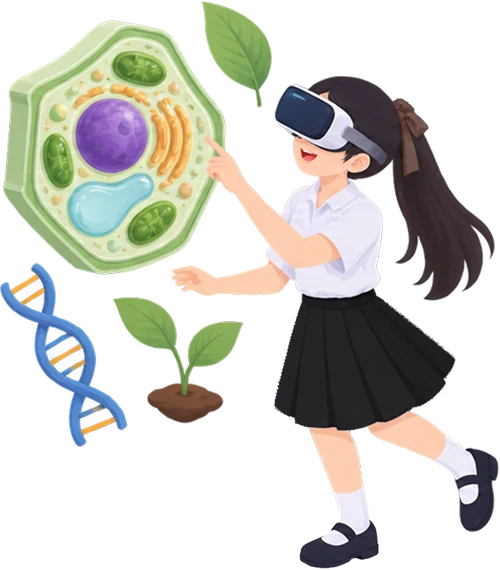
Biology Department
Plant & Animal Cell Structures, Cellular Respiration, Photosynthesis, Bacterial Transformation, DNA/mRNA
PLATFORM FEATURES
Features and Virtual Learning Management SystemVR Classroom Features
Classroom Collaboration
Multiplayer Synchronization
Multiple learners in the same VR room, seeing each other's movements and activities in real-time.

Spatial Voice Chat
Voice audio in VR has direction and distance, e.g., if a person is on the left, sound comes from the left.

Custom & Preset Scientists Avatar
Users can choose or customize scientist character appearances in the system.
Wrist Quick Menu & Hand Interaction
Use wrist menu and control with hand interactions in VR without traditional screen UI.
Teaching Tools

Interactive Whiteboard
Digital whiteboard where teachers/students can write, draw, or present data together.

Screen Sharing
Share screens or visuals from users onto the central screen in the classroom.

CCTV Student Monitoring
Teachers can monitor student views or status individually while operating VR.

One-Click Teleport
Teachers can teleport themselves or summon students to the same spot instantly.
Health & Safety Management

Motion Sickness Tracking
Tracks dizziness or discomfort levels during VR usage to ensure student safety.
Report Sick
Students press a button to report sickness, instantly alerting the teacher.

Smart Charging Station
Multi-device charging station that monitors status and manages via system.
Automated Charging Schedule
Automated charging schedule system to manage queueing and preserve battery health.